


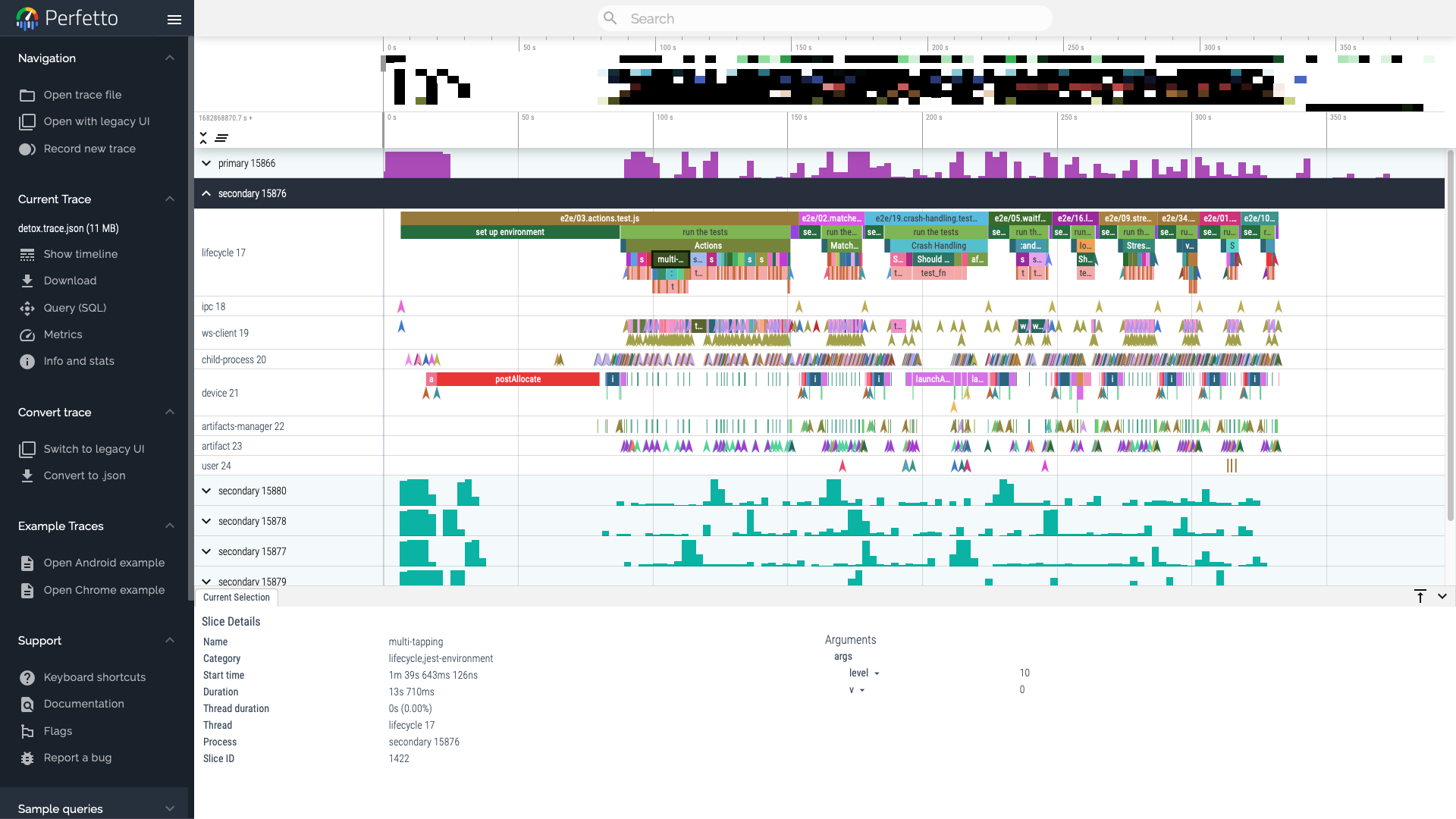
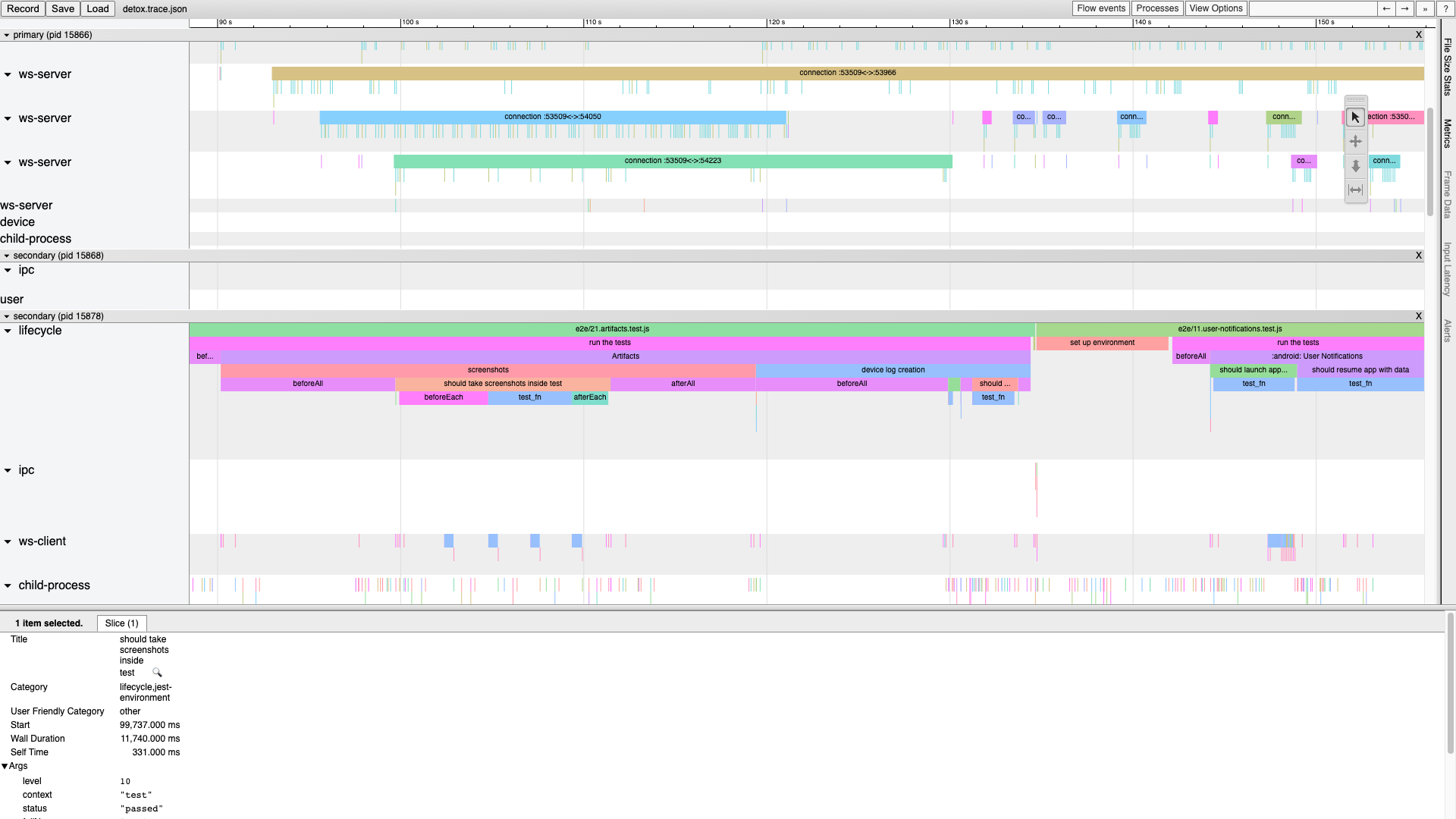
**Bunyamin** is a powerful extension of the `node-bunyan` logger, designed specifically to track and visualize parallel app activities. It can offer valuable insights into the performance and behavior of your Node.js applications. Originally developed as part of the [Detox](https://wix.github.io/Detox/) testing framework, Bunyamin can be utilized in an extensive range of libraries and programs.
- Built on the foundation of [node-bunyan](https://github.com/trentm/node-bunyan), a highly popular library with 1.5M weekly downloads.
- Generates logs which can be conveniently viewed in [Perfetto UI](https://ui.perfetto.dev), `chrome://tracing` and other debugging tools.
- Provides multiple log levels, including `fatal`, `error`, `warn`, `info`, `debug`, and `trace`.
- Offers attaching customizable metadata for logging events, such as event categories, color names and any custom properties.
- Supports parallel duration events, with the ability to stack events and mark them as completed.
- Has the ability to reconcile multiple trace event files, catering to advanced use scenarios.
## Getting Started
To install the Bunyamin, run the following command:
```sh
npm install bunyan bunyamin --save
```
Once you have installed the logger, you can import it into your application and start logging events as you would
normally do with Bunyan:
```js
// Setup
import { createLogger } from 'bunyan';
import { wrapLogger, traceEventStream } from 'bunyamin';
const bunyan = createLogger({
name: 'my-app',
streams: [
{
level: 'trace',
stream: traceEventStream({
filePath: '/path/to/trace.json',
loglevel: 'trace',
}),
}
],
});
const logger = wrapLogger(bunyan); // or, wrapLogger(bunyan, extraConfig);
// Use
logger.info('Starting the app');
const network = logger.child({ cat: 'network' });
const URL = 'https://github.com';
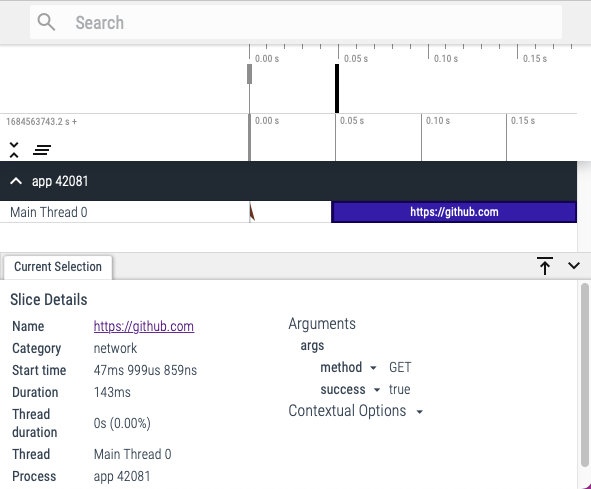
const res = await network.debug.complete({ method: 'GET' }, URL, fetch(URL));
```
Here's how the trace file would look like when visualized in [Perfetto](https://ui.perfetto.dev):
## API
### Log Levels
Bunyamin provides several log levels that you can use to categorize your log messages:
* `fatal`,
* `error`,
* `warn`,
* `info`,
* `debug`,
* `trace`.
Each log level has a corresponding method on the logger instance, e.g.:
```js
logger.info('This is an informational message');
logger.warn('This is a warning message');
logger.debug('This is a debug message');
```
You can also include additional metadata with your log messages by passing an object as the first argument to the log method:
```js
logger.info({ cat: 'login', user: 'user@example.com' }, 'User logged in');
```
### Duration events
This library also provides support for logging duration events, which can be used to track the duration of specific operations or functions. To log a duration event, you can use the `begin` and `end` methods:
```js
logger.info.begin({ cat: 'login' }, 'Logging in');
// ... perform login ...
logger.info.end('Login complete');
```
You can also use the `complete` method as a shorthand for logging a duration event:
```js
await logger.info.complete({ cat: 'login' }, 'Logging in', async () => {
// ... perform login ...
});
```
The `complete` method takes an optional metadata, a message and a function or promise to execute. It logs a `begin` event with the message before executing the function or promise, and a corresponding `end` event when the function or promise completes. Depending on the result of the operation, it might attach a boolean `success` result and `err` object.
### Metadata
You can attach custom metadata to your log messages and duration events by passing an object as the first argument to the log method or event method. For example:
```js
logger.info({ event: 'login', user: 'johndoe@example.com' }, 'User logged in');
logger.info.begin({ event: 'login' }, 'Logging in');
```
The LogEvent type provides a structure for defining metadata objects:
```ts
type LogEvent = {
cat?: string | string[];
cname?: string;
pid?: number;
tid?: number | string | [string, unknown];
[customProperty: string]: unknown;
};
```
The `tid` property can be used to assign an explicit thread id to the event or a thread alias,
which can be helpful when logging concurrent or overlapping events.
### Child Loggers
Similar to Bunyan, you can create a child logger with a specific context by calling the `child` method on the parent logger:
```js
const childLogger = logger.child({ component: 'Login' });
childLogger.info('Logging in');
```
The child logger inherits the log level and configuration options of the parent logger, but any additional metadata provided to the child logger is merged with the parent context.
## Contributing
Contributions to Bunyamin are welcome! If you would like to contribute, please read our [contributing guidelines](CONTRIBUTING.md) and submit a pull request.
## License
Bunyamin is licensed under the [MIT License](LICENSE).